
“E8” was illuminated in my GE Window A/C Unit’s display window-like in the below picture but not quite as Big. Is “E8” showing on your Unit?
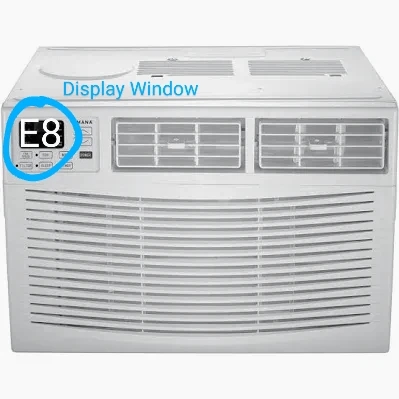
It was Hot as Heck again here in Texas and our home was getting Hotter than normal. And then I went into a bedroom with an 8000btu unit in the window. The Unit was blowing air but not cool air.
It’s a GE and it has a remote and WIFI connection too. What the heck is E8?
So I looked it up.
But when I checked online what E8 means and how to Fix it, I was stunned. It said Take Front Panel off and press a RESET BUTTON. WHAT? That can’t be the case I thought.
E8 means your Unit had detected an issue with the Evaporate Coils. The what?
But this is what I did.
- I unplugged the Unit from the Wall.
- I took off the filter cover. The Filter was xtra dirty.
- I sprayed the filter clean in the kitchen sink.
- I put filter back in and filter cover back in place.
- I plugged the Unit back into the Wall Plug.
The “E8” On the Display window was gone!
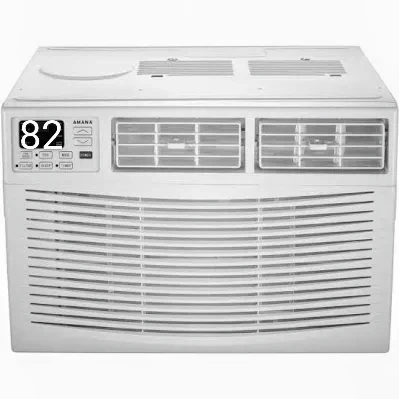
And 82 was now being displayed for the temperature in the room. I pushed the START button and the Unit has been running with no further problems. Hopefully this Simple FIX will work for you too.
But I’m like you, I’ll fix it if I can. Hopefully this will help you too before you pull out a screwdriver and take off the Front Panel. I didn’t.
This was a super easy Fix.. And a repairman costs money.
 thelivingbreathingjamesbrown.com
You must be logged in to post a comment.